RAHWE Automation & AI · Platform
The busywork, handled.
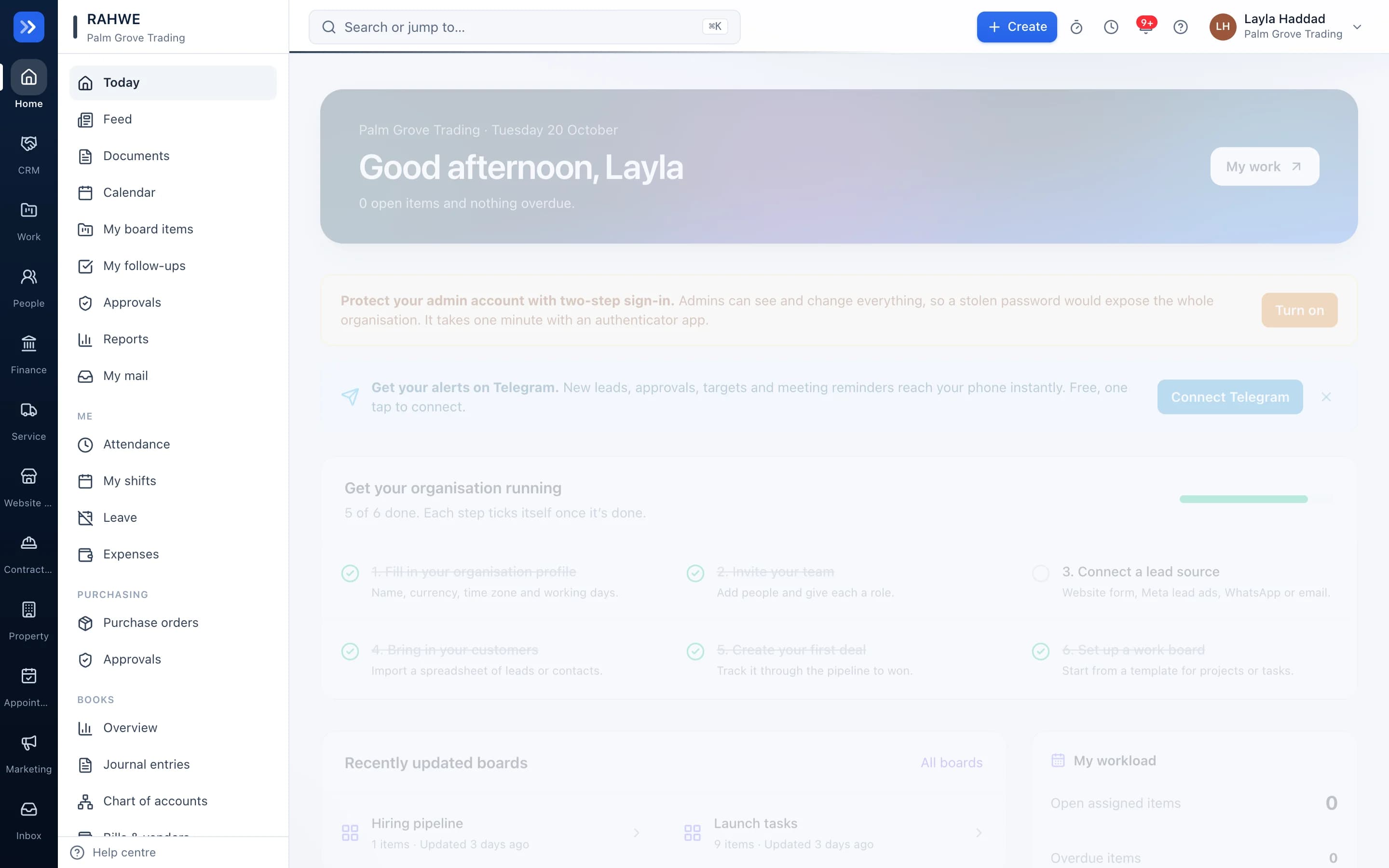
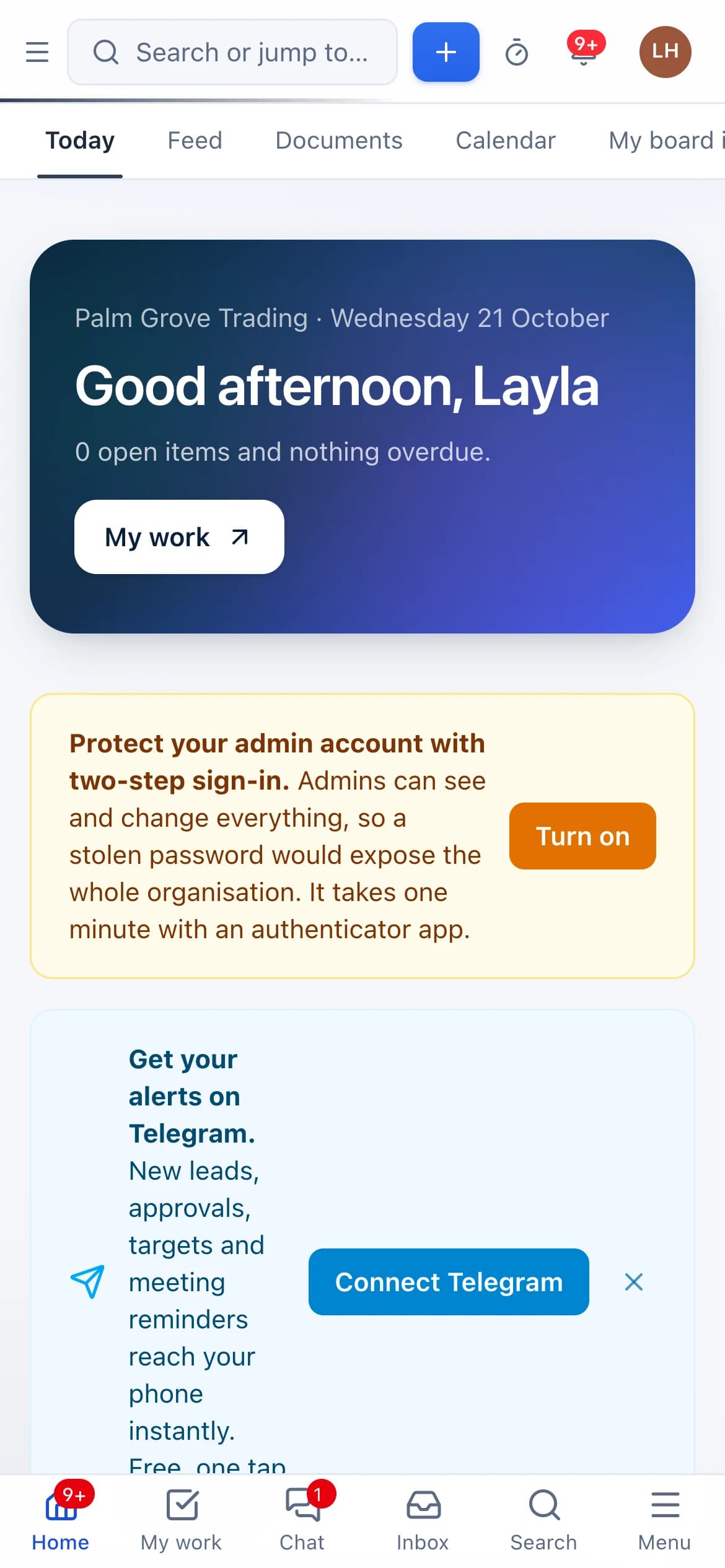
Without it
Sound familiar?
People forget follow-ups.
Reports are assembled by hand.
Answers are buried across tools.
What you get
Everything in Automation & AI
Follow-up reminders
Leads with no action get a nudge, and managers hear about the ones slipping.
Scheduled reports
Day-start, end-of-day and weekly reports by email.
Assistant
Ask about leads, deals, leave or boards by text or voice, including on Telegram, with your own permissions.
Search by meaning
Find records by what you mean, in English or Arabic.
In action
Watch Automation & AI at work
A real screen recording with a sample company.
How to use it
Up and running in 3 steps
The screen names match what you see in the app.
- 1
Read your morning briefing
Home
One message a day lists what needs you. Anything left too long goes to your manager.
- 2
Ask the assistant
Assistant
Ask about leads, deals, leave or boards by text or voice. It sees only what you are allowed to see.
- 3
Schedule reports
Settings → Reports
Day-start, end-of-day and weekly reports by email.
Who uses it
Made for the people doing the work
Everyone
Fewer things fall through the cracks.
How it flows
One step leads to the next
- 1Something needs attention
- 2The right person is told
- 3They act
- 4Logged
Works with
Better with the rest
Turn these on and they share the same customers, staff and records. Leave them off and Automation & AI still works on its own.
Questions
Questions about Automation & AI
Can the assistant see other people's data?+
No. It works with the permissions of the person asking.
Try RAHWE Automation & AI.
Switch on Automation & AI alone or with the rest of the apps.